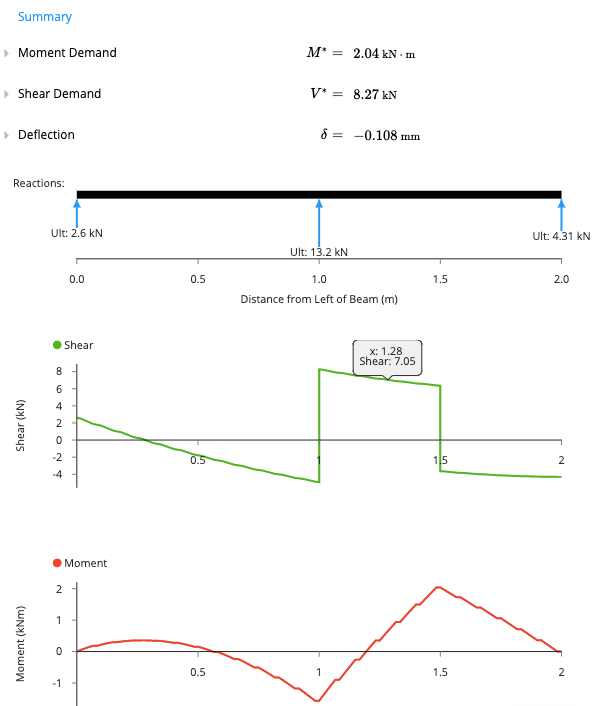
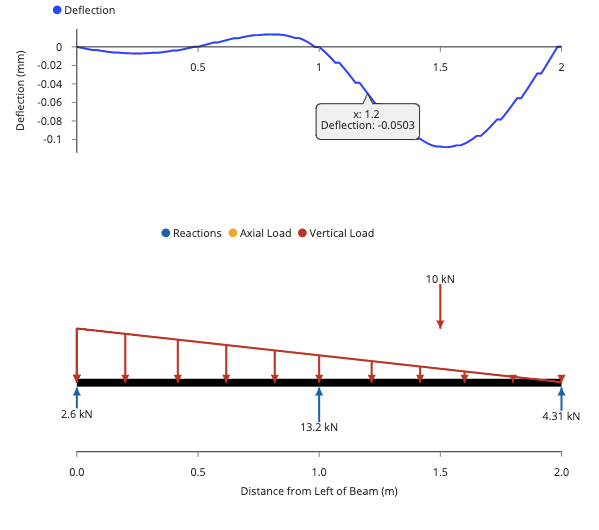
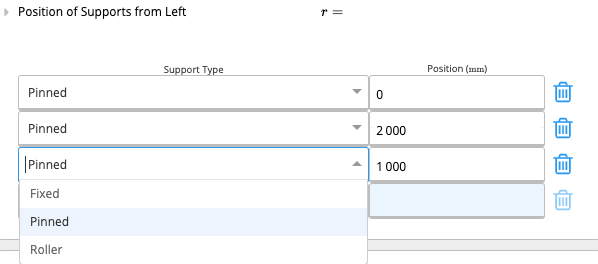
- ‘Key Properties’, where the user inputs the geometry of their chosen section and the beam supports.
- ‘Loads’, where the use can input distributed, point and applied moment loads,
- ‘Summary’, which displays the key outputs and diagrams.
1. Input Key Properties
The properties of the beam and section are specified by typing directly into the input fields.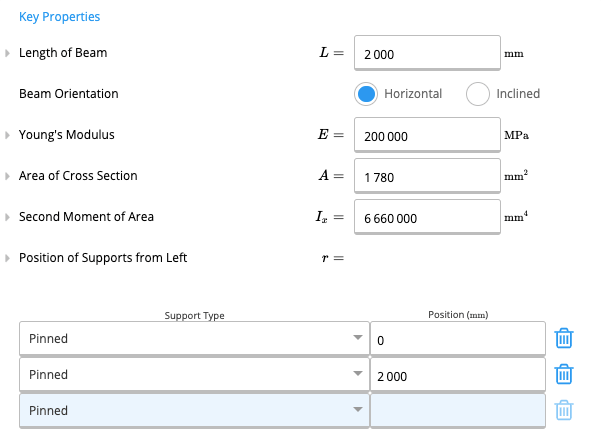
2. Input Loads
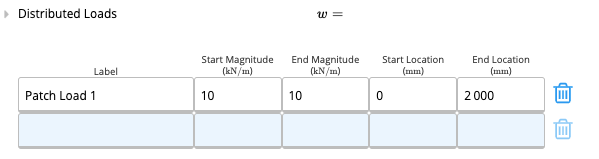
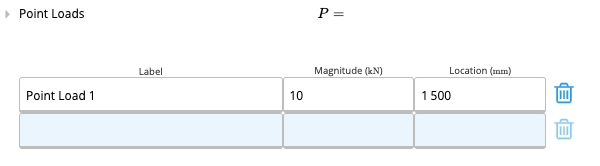
The calculator supports a variety of different loading types which can be applied in combination. Each load can be named by the user. The sign convention used for loading is (positive values shown):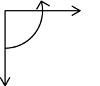
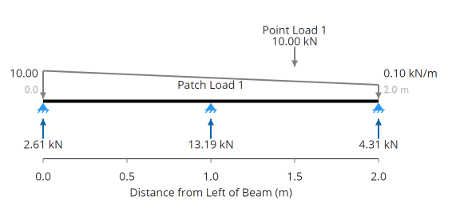
3. Calculation Summary Outputs
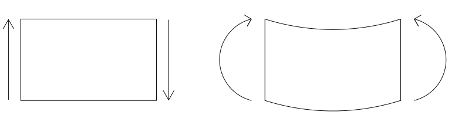
Once the loading and geometry have been specified, the calculator automatically uses the Calcs.com finite element analysis engine to determine the moments, shear forces and deflections. The maximum values of each are output as ‘Moment Demand’, ’Shear Demand’ and ‘Deflection’, along with the diagrams along the length of the beam. Positive values imply a downward deflection and negative values imply an upward deflection. The sign convention used in the shear force and bending moment diagrams is (positive values shown):