

- Log into Calcs.com
- Go to the project home screen
- Click ‘Settings’ in the left sidebar, or go straight to app.calcs.com/settings
- Choose a new building standard in the dropdown
- Save changes
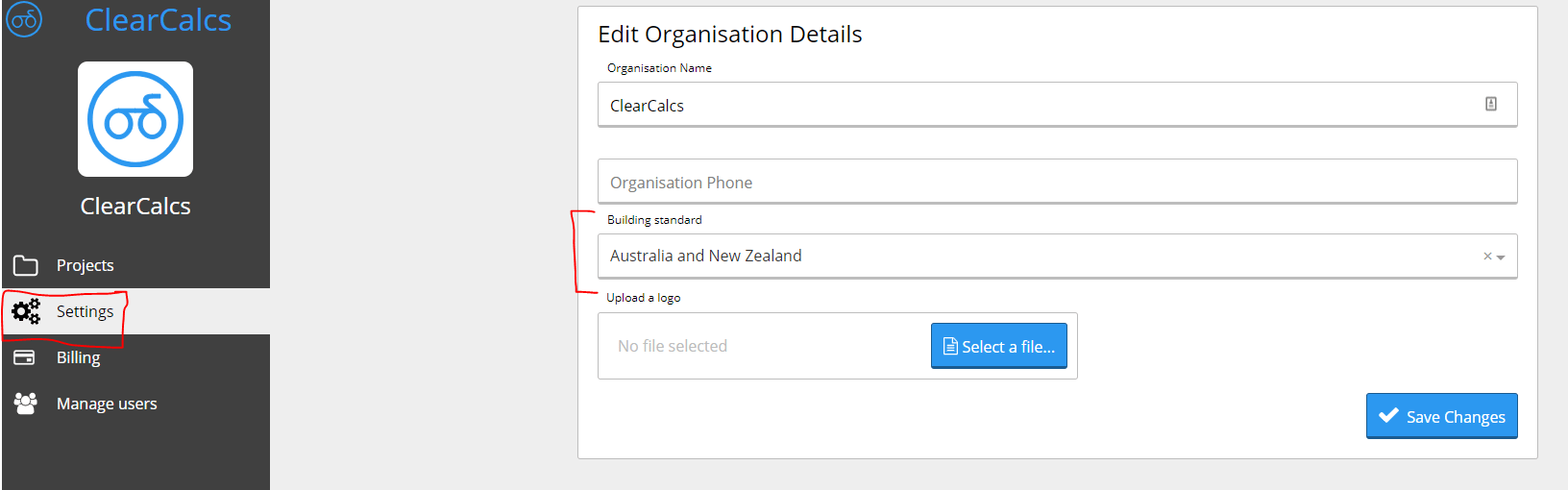
Change the building standard new calculations use by default across your organization.