

Frequently asked questions
What does a Calcs.com structural report include?
What does a Calcs.com structural report include?
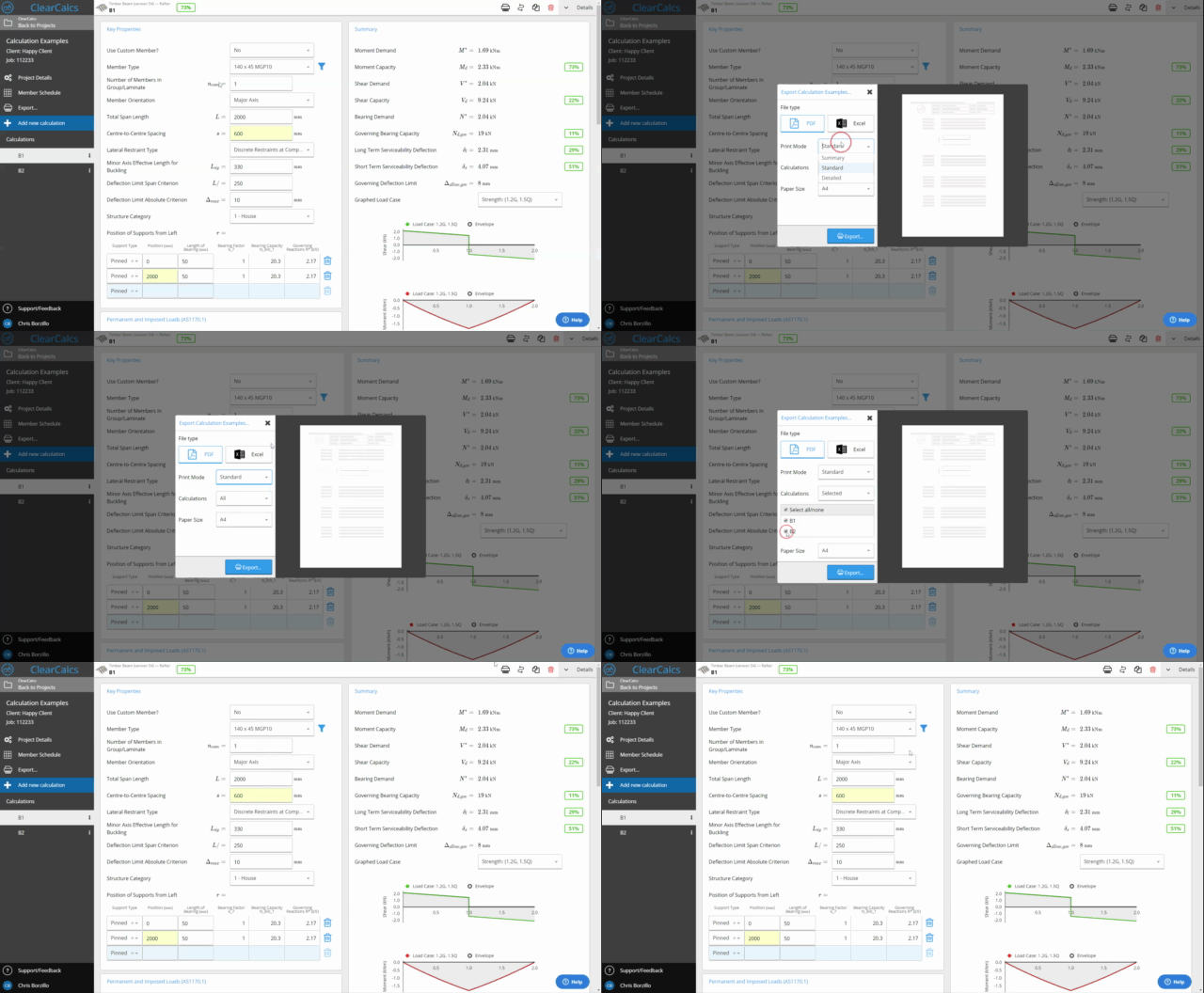
Each report includes the project name, engineer’s details, calculation inputs, the full formula derivation with standards references, and the final result. The standard and version used are shown on the cover.
Can Calcs.com export Word documents like Tedds?
Can Calcs.com export Word documents like Tedds?
Calcs.com exports calculation reports as PDFs. The reports are structured and formatted for submittal, so most engineers find they no longer need the Word editing step that Tedds output typically requires.