

The Home page is rolling out gradually, starting with new users and organizations enrolled in Early Access. If you still land on the projects list when you sign in, your account does not have the Home page yet.
A new Home page
A greeting sits at the top of the page. Next to it are your standard code and unit system, so you can set the scope for your work straight away.
The greeting, with your standard code and unit system
Your recent work
Your recently opened projects appear as cards, so you can pick up where you left off. Buttons in the card header let you open recent work or start a new project. If you have not created any projects yet, the card shows you how to get started instead.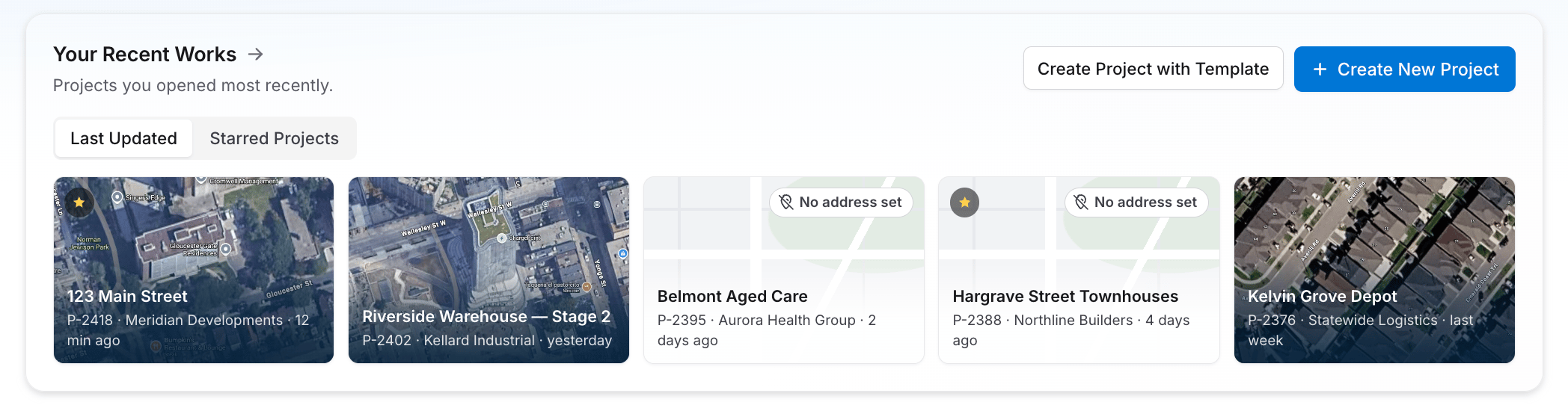
Your recent projects, one click from where you left off
Quick Calcs
Quick Calcs shows the most-used calculations for your region, ready to launch in a click. Each tile has a calculator icon, and you can drill in to presets and variants. Open a quick calc directly, or select Create Other Calculation to pick any calculator.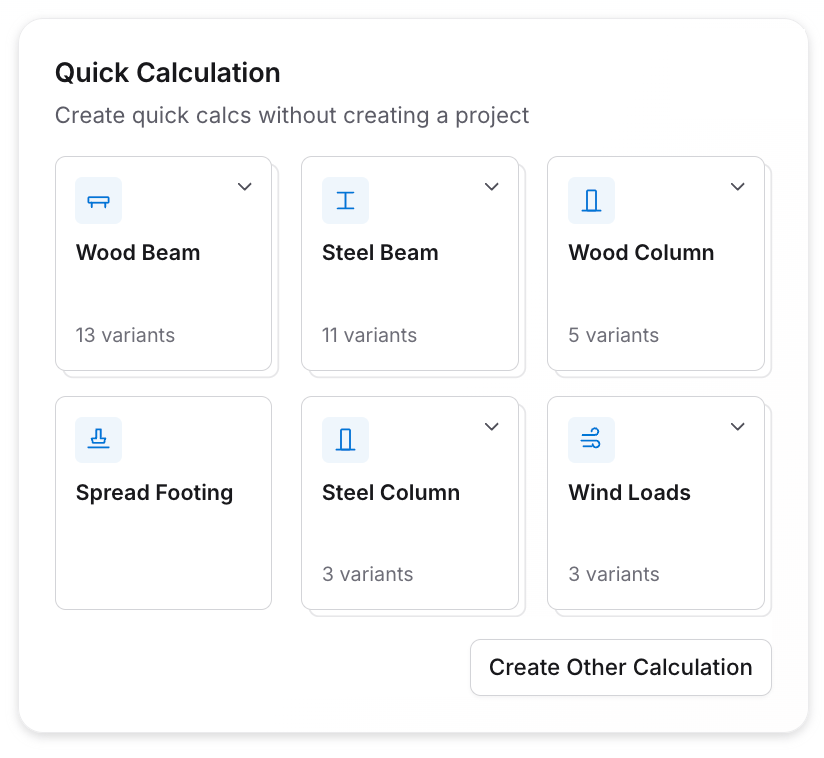
Quick Calcs for your region
Learning and resources
A learning and resources area on the Home page groups articles and videos into topics, so help is one click away.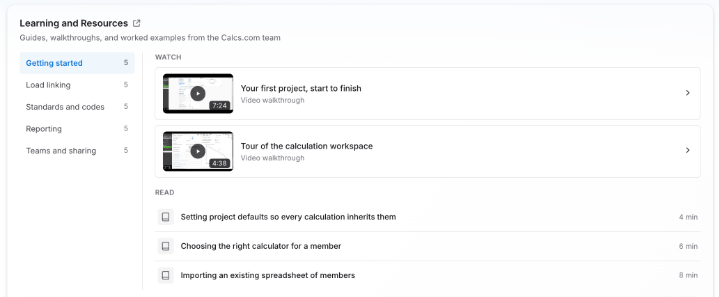
Learning and resources, grouped by topic
What’s New
A What’s New feed keeps you up to date with recent releases, announcements and upcoming events.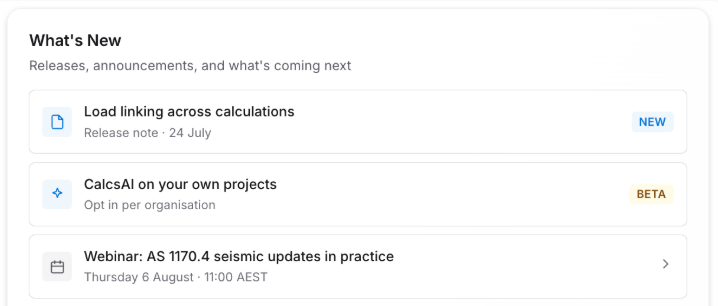
The What's New feed